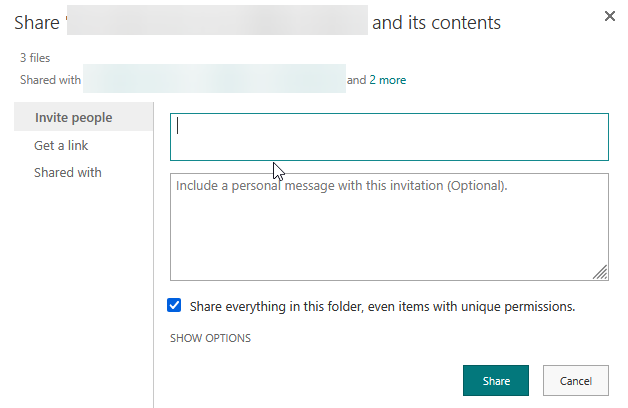
Introduction
When I started in my current role, my first big task was to move the whole company from an ancient, laggy RDP server over to SharePoint.
Pro tip: don’t do this.
But just in case..
How to Create a “Private” Folder in SharePoint
As an example, we’ll create a folder that:
- Is visible only to 4 specific people
- Is hidden from everyone else (including standard Owners, Members, and Visitors)
- Create your folder
- Right click, “Manage Access”
- 3 dots, “Advanced Settings”
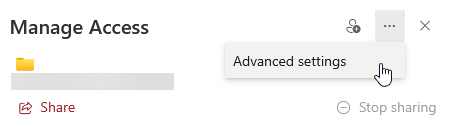
- Stop Inheriting Permissions, top left corner
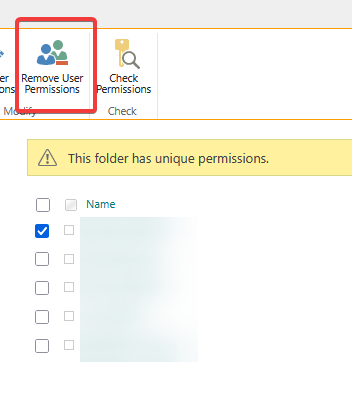
- Remove permissions from everyone else
- Grant permissions to whoever needs it.